How pedigrees are created in our system
Creating a pedigree should be quick and reliable. MyPigeon Records turns breeding information into a structural generation family tree, so your records stay easy to search, share, and build on.
- 1
Start with a scan or manual entry
Begin from a pedigree image (OCR) or enter details directly into our system.
- 2
Map the generations and relationships
Ensure parents and offspring are linked correctly so the pedigree structure remains consistent.
- 3
Verify and save
Review extracted/entered values, then save so future actions (tracking and analysis) use the same verified pedigree.
- 4
Share and reuse your pedigree data
Use the saved structure across tools, pairing decisions, and future records without re-entering the same details.
- 5
Choose your generation type
Build pedigrees in the format you need, from compact layouts to full 4-generation structures for deeper bloodline analysis.
4
Generations
OCR
Auto Mapping
100%
Relationship Control
Pedigree samples (click to browse)
Use the thumbnails carousel to switch samples. Clicking a sample opens an enlarged view.
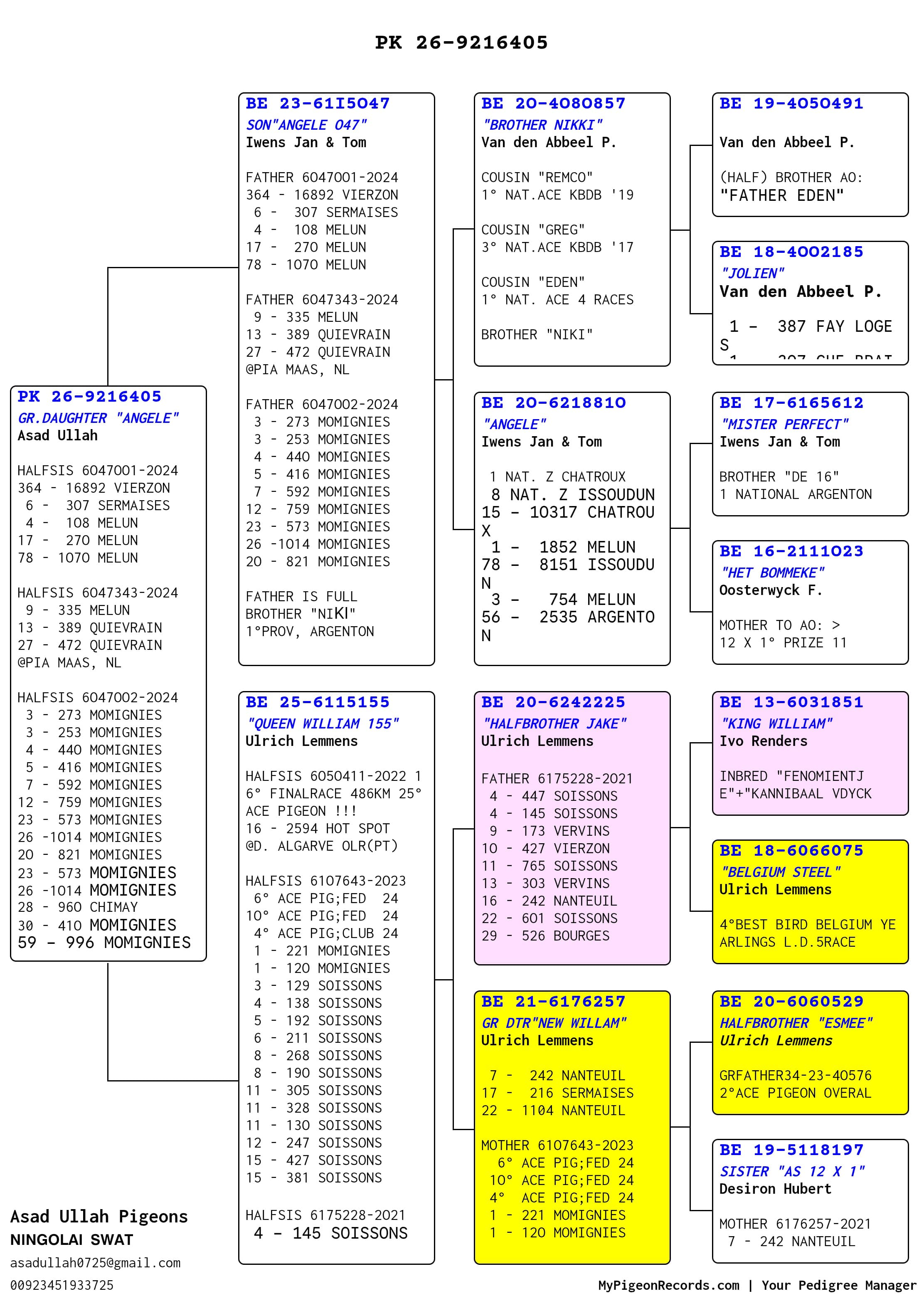
Sample 1 / 6
Built for real loft workflows
Structured Pedigrees
Store lineage in a clear, repeatable format so every record stays consistent as your loft grows.
OCR-Friendly Setup
Digitize pedigrees faster by starting from an image and converting it into your system’s structure.
Guided Data Entry
Follow a simple workflow to add generations, verify details, and keep relationships accurate.
Verified Relationships
Keep parent/offspring links dependable so the pedigree you manage is the same pedigree you race with.
Pro tips for cleaner pedigrees
- Use bold names for key racers and champions to highlight bloodline anchors.
- Keep italic notes for uncertain data (e.g., pending verification) until confirmed.
- Add consistent ring numbers with a standard format to reduce duplicate records.
- Review OCR output line-by-line before saving to keep parent-child links accurate.
Ready to manage your next pedigree?
Start by scanning a pedigree image or creating one manually, then keep your relationships verified across every generation.